
Learn Englishat a glance.
A new word on your home screen and Lock Screen, all day long. Look at your phone, learn something.
A new word, before coffee.
The widget is already on your home screen. Nothing to open, nothing to remember to do.
Under the clock.
Every time you pick up your phone, the Lock Screen teaches you something.
A quiz, right on the widget.
Tap an answer without opening the app. Go on, try it. Miss one and it comes back later.
Curious? Open the word.
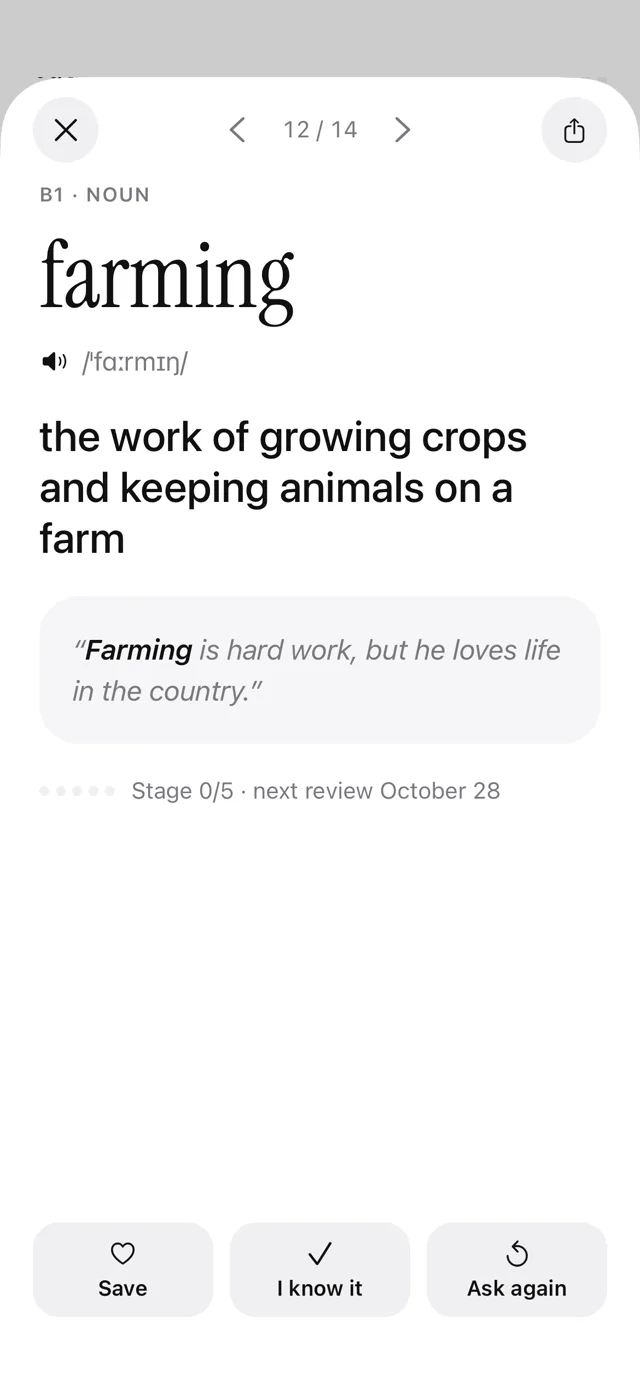
Hear how it sounds and see it in a real sentence, translated into your language.
One minute of review.
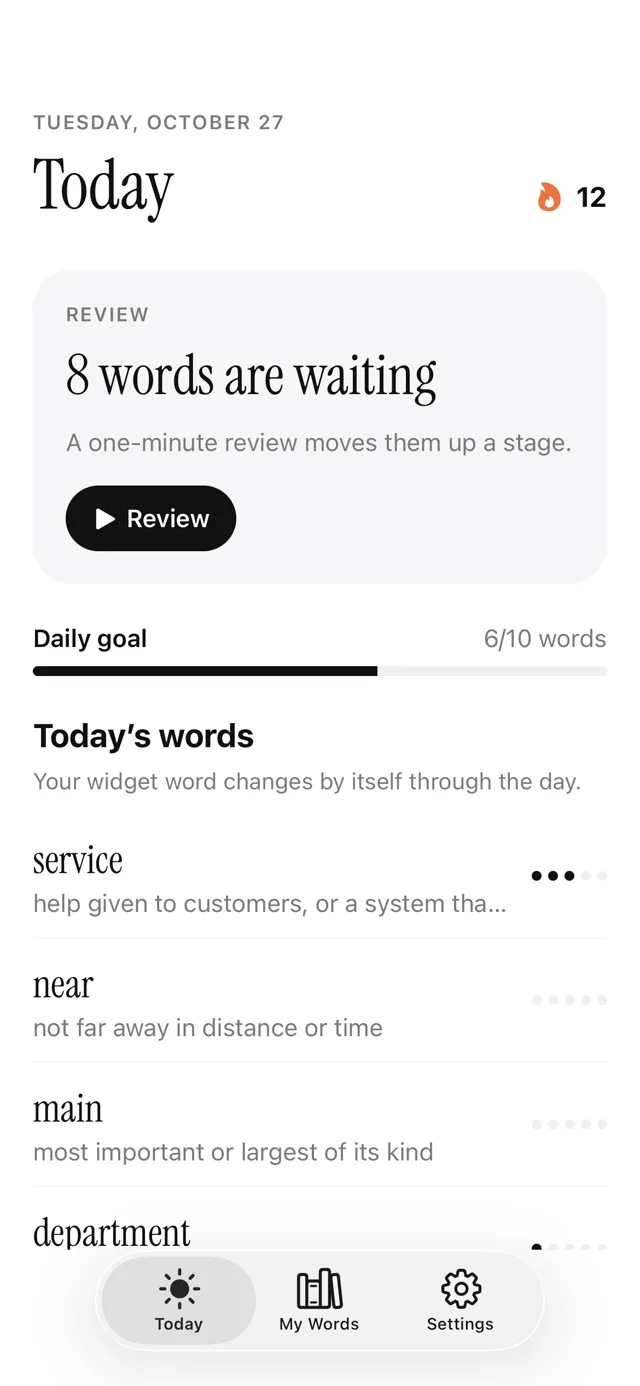
Words return after 1, 3, 7, 14 and 30 days, right before you’d forget them.
Then it rests.
The word changes only in your waking hours. At night, the last one stays.

Four looks. Pick yours.
Small and medium sizes, light and dark. Pick the one that fits your home screen.
Meanings and example sentences in seven languages. Clear English definitions for everyone else.
Free every day. Pro when you want more.
Free
Everything you need to learn a little every day.
- 10 new words a day
- Minimal and Paper styles
- Quiz and Lock Screen widgets
- Up to 20 saved words
- A daily reminder
Pro Most popular
7-day free trial, then billed yearly. Or $4.99 / month.
- 30 new words a day
- Poster and Vivid styles
- Unlimited saved words
- Stats and your hardest words
- Several reminders a day
Lifetime
Pay once, keep Pro forever. No subscription.
- Everything in Pro
- All future updates
- No renewals, ever
- Restore any time with your Apple ID
Prices in USD; your App Store shows local prices. Cancel any time in Settings.
Questions, answered.
How do I add the widget?
Touch and hold an empty spot on your home screen, tap Edit, then Add Widget. Search for Glancy and pick a size. For the Lock Screen, touch and hold the Lock Screen and tap Customize.
How often does the word change?
By itself, spread over the hours you’re awake: about once an hour on the free plan. At night it rests and the last word stays.
Which level is right for me?
You pick your level when you start and can change it any time. Glancy mixes in words you’ve already met so they stick.
Do you collect my data?
Your learning stays on your iPhone. No account, no ads, no tracking. Purchases go through Apple, and our subscription service only sees an anonymous id. Read the privacy policy.
How do I cancel Pro?
Open iPhone Settings, tap your name, then Subscriptions, then Glancy. Cancel at least 24 hours before the period ends and you won’t be charged again.